A QR scanner that actually reads the link.
Most scanners just open whatever's on the sticker. QR Snap reads it first - and tells you when the link is dressed up to look like something it isn't.
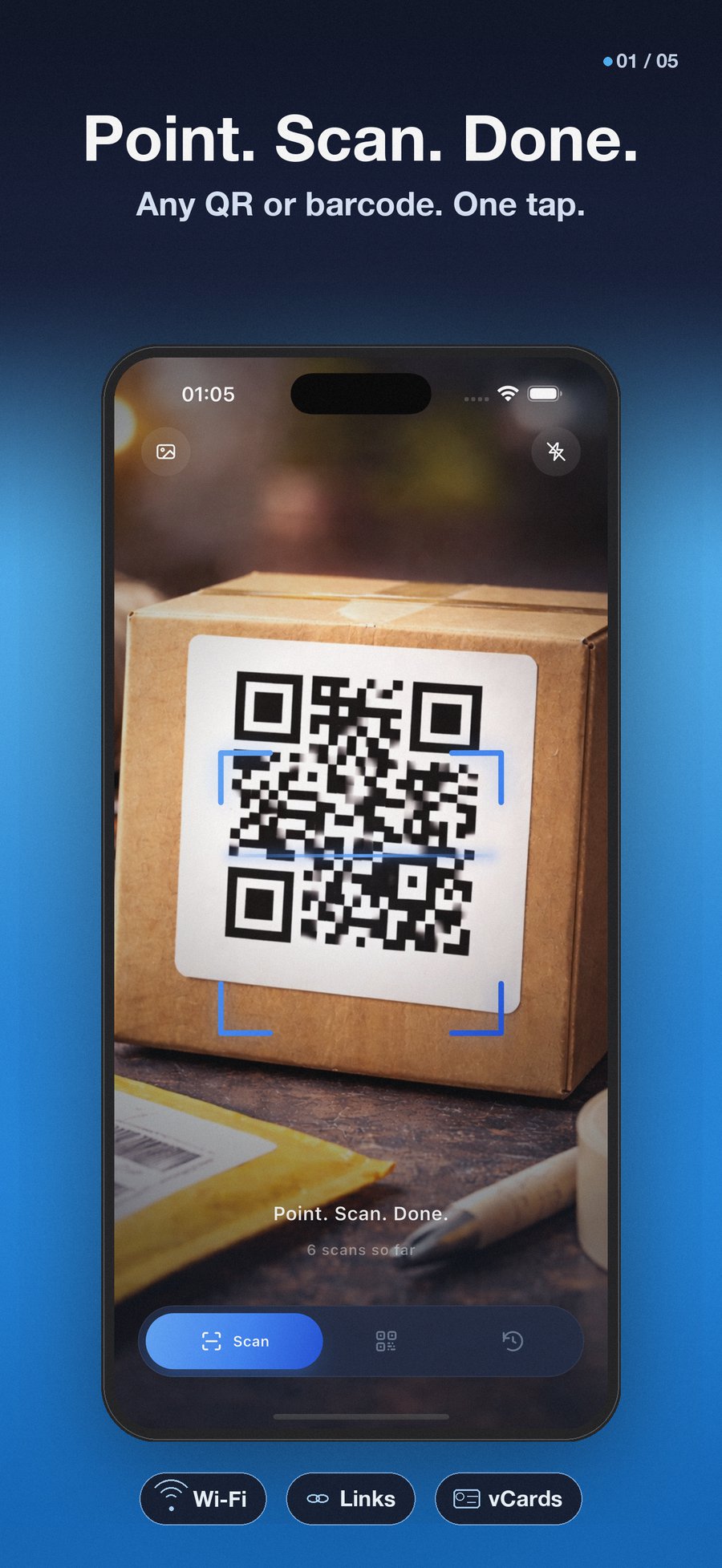
For the second between a QR code on a poster and trusting where it sends you.
A sticker on a parking meter. A QR on a paper menu. A label on a parcel from someone you don't quite recognize.
QR Snap reads it before you do.
Three things, done quietly.
A scanner you can hand to your parents. A generator that doesn't make you sign up. A safety check that runs on the link before you tap it.
Scan anything.
Camera, photo from the gallery, or an image shared from any other app. Batch mode for a stack of codes. Works in low light, works offline.
Create your own.
URL, WiFi, contact, email, SMS, phone, location, calendar, plain text. Pick a colour to match a brand. Save to gallery or share in a tap.
Check the link first.
Before any URL opens, QR Snap shows you the actual destination domain - and flags the tricks scammers use to dress it up as something else.
Your scans never leave your phone. No accounts. No servers. No analytics by default.
A QR scanner shouldn't be a surveillance product.
From sticker on a wall
to "actually, no."
Three steps. The third one is the one nobody else does.
Open.
Quick Settings tile on Android, Home Screen action on iOS, or just tap the icon. Camera is up in under a second.
Point.
Any code, any light, any angle. The scanner reads through cracked screens, glossy paper, and the back of a phone in someone else's hand.
Read the warning.
Before the link opens, the preview sheet shows the domain. Most of the time it's fine. The few times it isn't, you'll know.
The link is not the link.
Here's what QR Snap shows when someone slaps a sticker on a parking meter that reads almost - but not quite - like a real domain.
xn--pypal-vue.com
https://xn--pypal-vue.com/account/verify?id=482af
This domain uses Unicode tricks. It may look like a brand you trust but resolve elsewhere.
This link is not encrypted in transit. Anything you send can be intercepted.
Shown before any URL opens One tap to cancel
The codes you scan without thinking.
QR Snap isn't for one big use case. It's for the small moments QR codes have quietly become a part of.
- Restaurants & cafes The menu QR is on the table. Scan it once, see where it goes, decide.
- Sharing WiFi Generate a code for your network name and password. Hand the phone over instead of spelling out characters.
- Posters and tickets Concert wristbands, event badges, gym memberships. Scan to verify, scan to enter.
- Parcels and shipping Track a delivery without typing a 20-character reference into a website.
- Suspicious stickers The QR over a parking meter, on a power pole, taped over the real one. Scan to look - and not open.
The short version.
Is it really free?
Yes. The whole app, no ads, no paywall on any feature. We may add an optional Pro tier later for power users - anything in the app today stays free.
Does it work offline?
Completely. Scanning, generating, history, and the safety preview all run on the device. The app doesn't need a network to function - and never sends a scanned URL to any server to "check" it.
How does the safety check work without the internet?
It runs heuristics locally on the URL itself: Unicode tricks (punycode), the "@" sign trick, link shorteners, raw IPs, suspicious top-level domains, mixed-script characters. No allow-list, no cloud lookup. The link never leaves your phone.
Are you tracking me?
No analytics by default. On first launch you'll see one optional prompt asking whether you want to share anonymous crash reports. Say no and nothing leaves the device. Say yes and we get crash stacks - never your scans, never your contacts, never your location.
Why does it ask for the camera?
That's how it reads QR codes. We don't ask for anything else - no contacts, no location, no photos library by default. If you choose to scan from a saved image, you grant access to that one image, then we let it go.
Is it on iPad and Android tablets?
Yes. It runs on iOS 13+ (iPhone and iPad) and Android 7+ (phone and tablet). Available in ten languages: English, German, Spanish, French, Italian, Japanese, Korean, Portuguese, Russian, Chinese.
Where do I report a bug or ask for a feature?
Email hello@codeensis.com. We read every message. There's no help desk, no ticket queue - a person reads it and writes back.
Free. On iOS. On Android.
No accounts. No ads. No tracking. Twenty seconds from here to the scanner.